01 · CREATE OR IMPORT
Start with your own notes
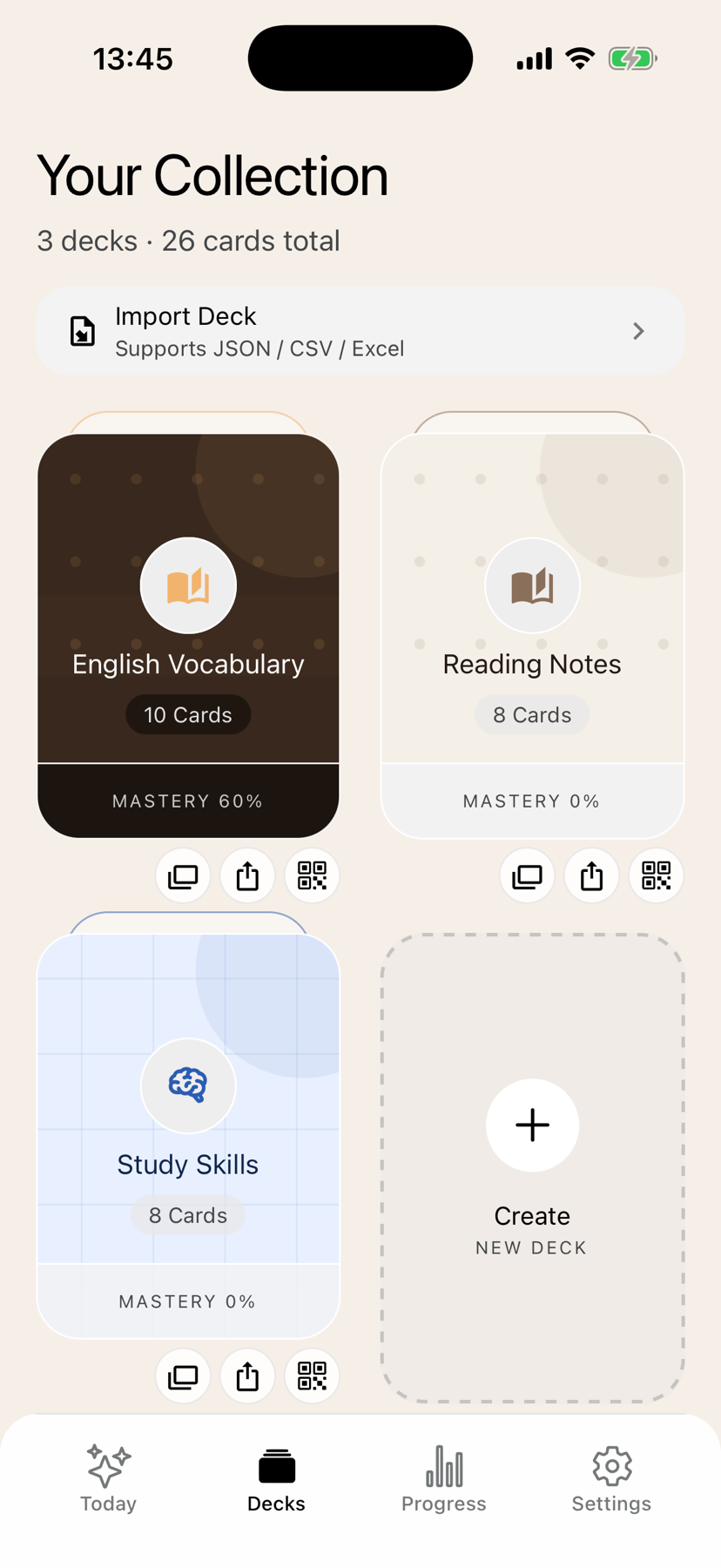
Create a deck in the app or bring existing cards from CSV, Excel, or JSON.
 Pokenote
Create a deck or import CSV, Excel, or JSON. Review one card at a time, reveal the answer when you are ready, and watch mastery grow.
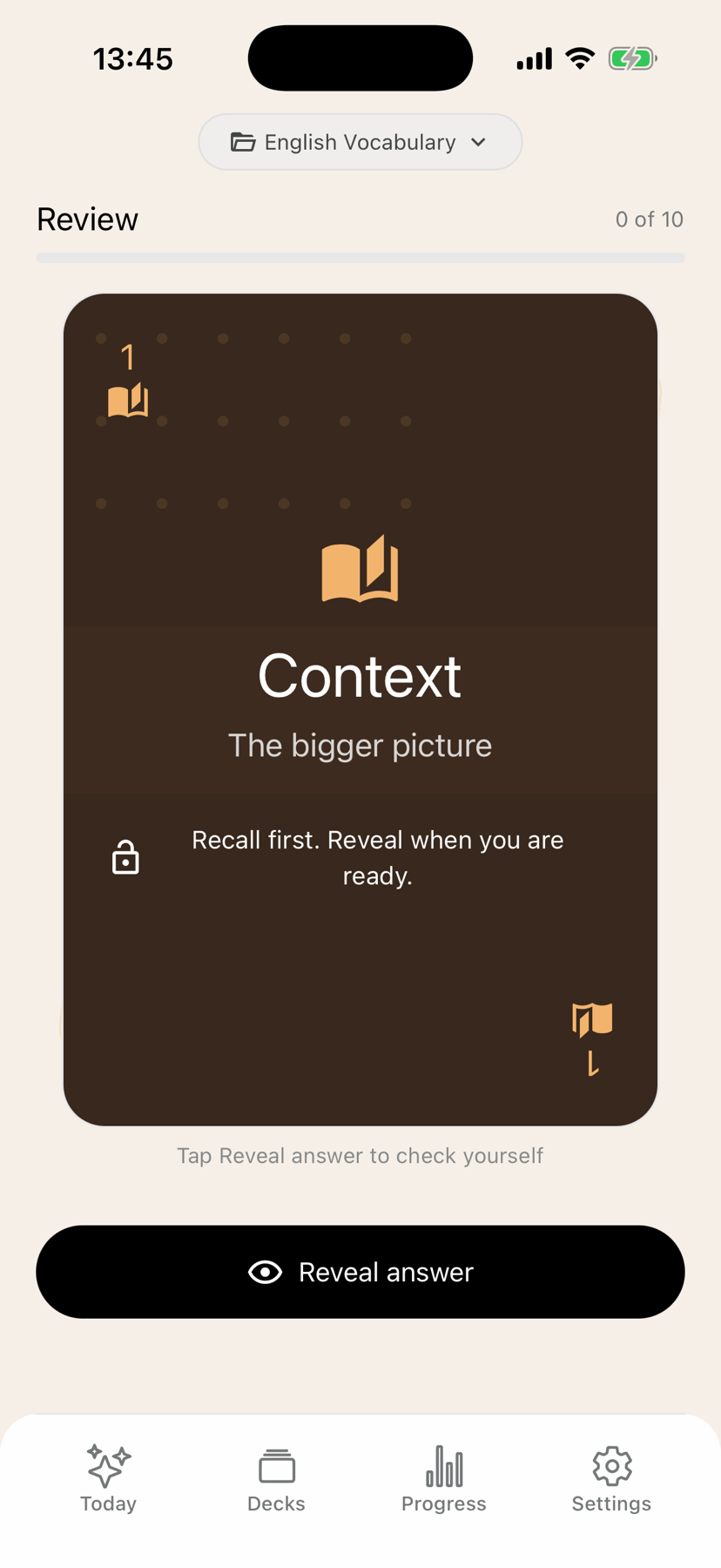
Pokenote keeps the work focused on remembering instead of managing a complicated flashcard system.
Create a deck in the app or bring existing cards from CSV, Excel, or JSON.
Keep the answer hidden, recall it yourself, then mark the card Again or Got it.
Use deck mastery and progress to decide where your next review should begin.
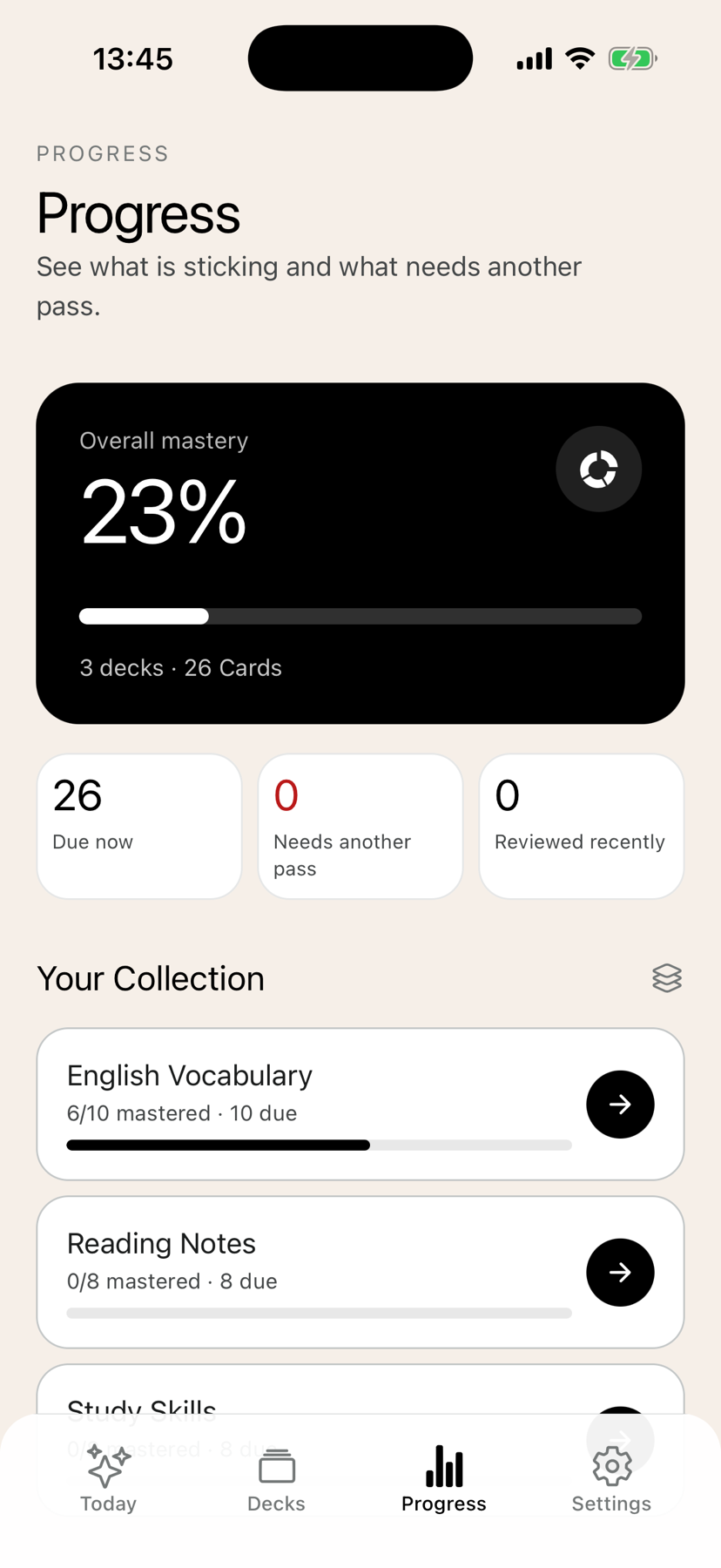
It is designed for independent learners who want a calm way to review vocabulary, reading notes, and personal study material.
No. Core deck creation, import, review, and progress work without an account.
Yes. Core decks and review are stored on your device and work without a network connection.
Yes. Pokenote supports CSV, Excel, and JSON import and export.
No named SRS algorithm is claimed. Pokenote gives you simple Again or Got it review and visible mastery so you can return to what needs more work.
No. Anonymous product analytics may measure feature usage, but your deck names, prompts, and answers are not collected.
Create or import a deck, complete one focused review, and leave knowing exactly what to revisit.
Download Pokenote free